Upgrading Avalon Nano 3s to the Latest Firmware
How to upgrade your Avalon Nano 3s to the latest firmware
Canaan have released a new firmware version to address the security issues I disclosed.
As there doesn't appear to be any documentation on how to upgrade these I am providing instructions here.
Firstly download the latest firmware from https://www.canaan.io/resource/firmwares - select Avalon Home in the product series.
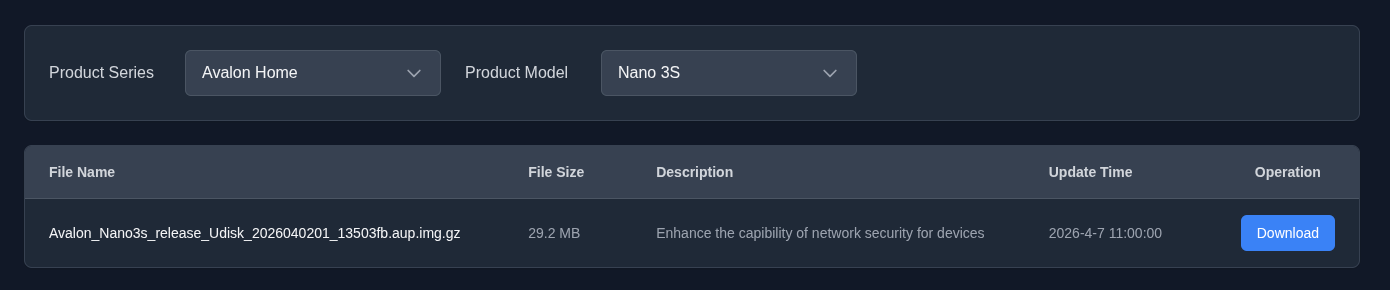
Once downloaded write the image file "Avalon_Nano3s_release_Udisk_2026040201_13503fb.aup.img.gz" to a USB drive. NOTE: all data will be removed from the USB drive.
I used Raspberry Pi Imager https://www.raspberrypi.com/software/
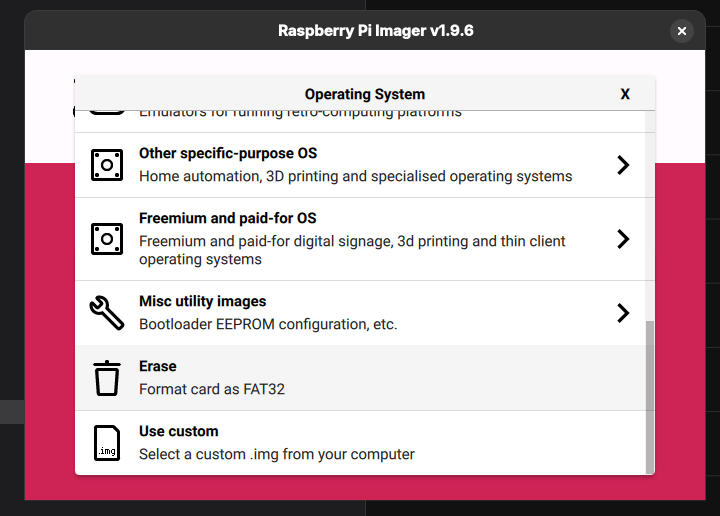
Select "use custom" under the Operating System options and select the downloaded img.gz file.
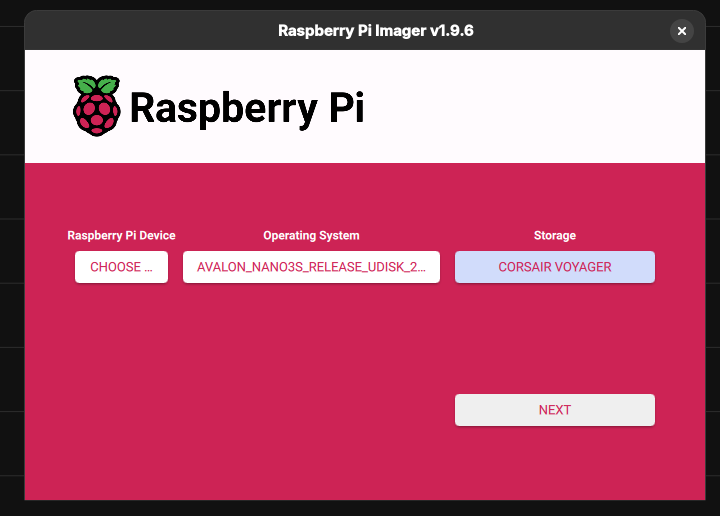
Choose the USB stick to burn the image to.
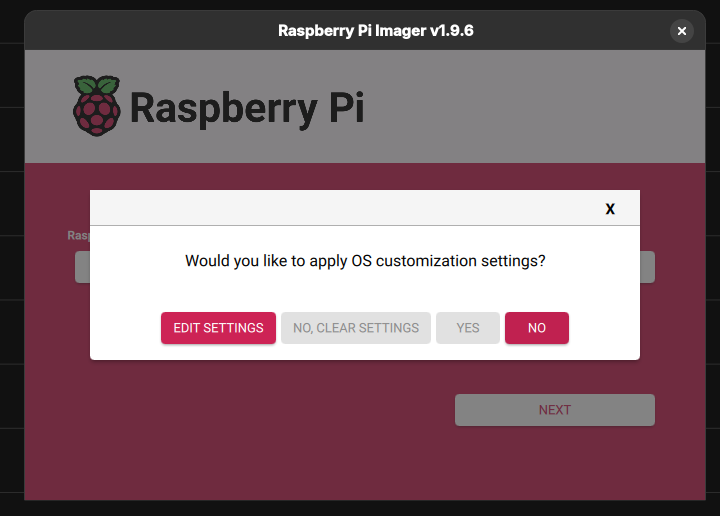
Select "NO" when asked to apply OS customization.
The image will be written to the USB stick.
When complete simply insert it into the USB port on the Nano 3s and reboot it (or turn it on).
The upgrade will then start and progress is shown on the LCD screen.
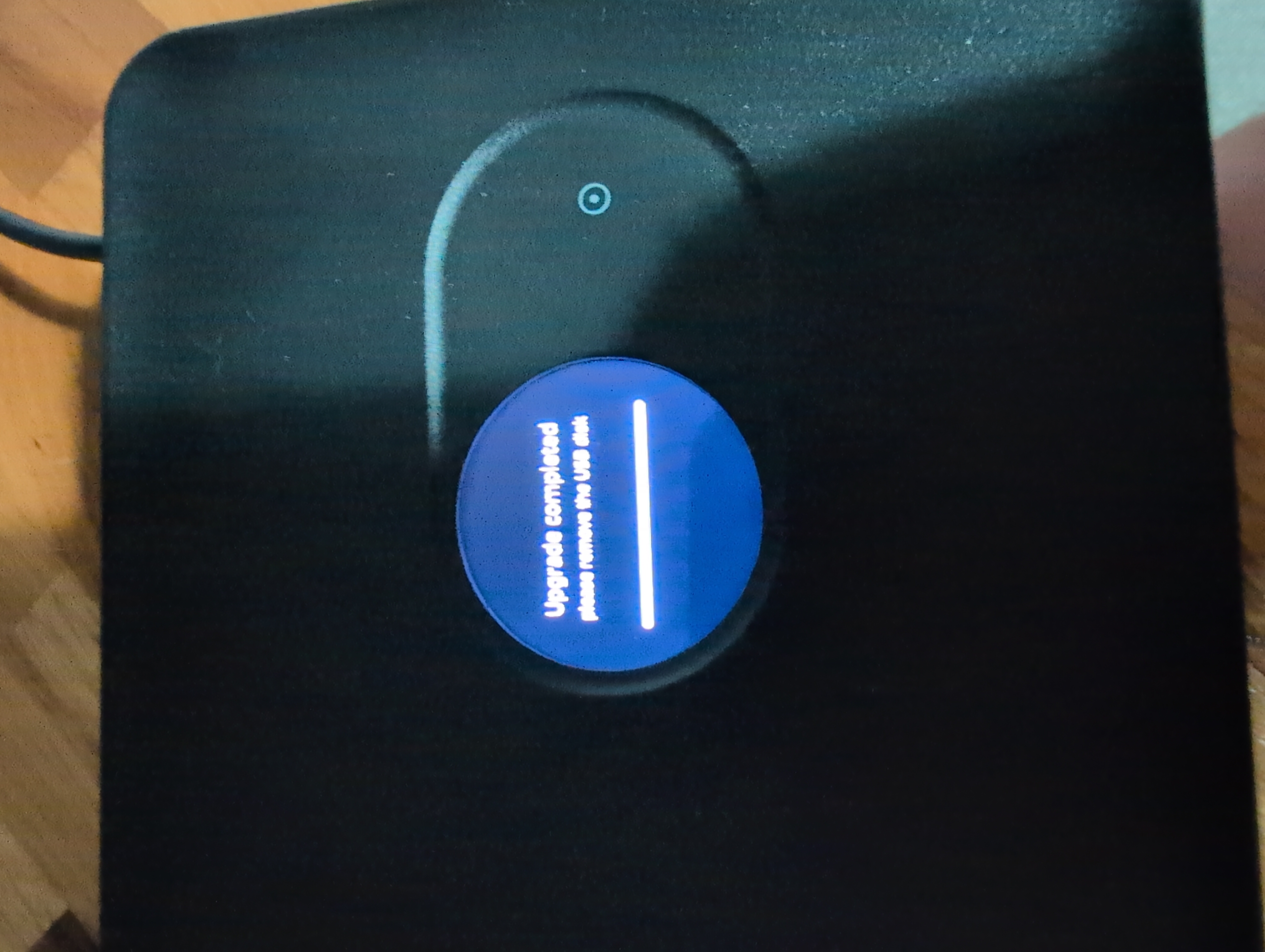
Then remove the USB stick and reboot, I had to unplug my miner as the button became unresponsive.
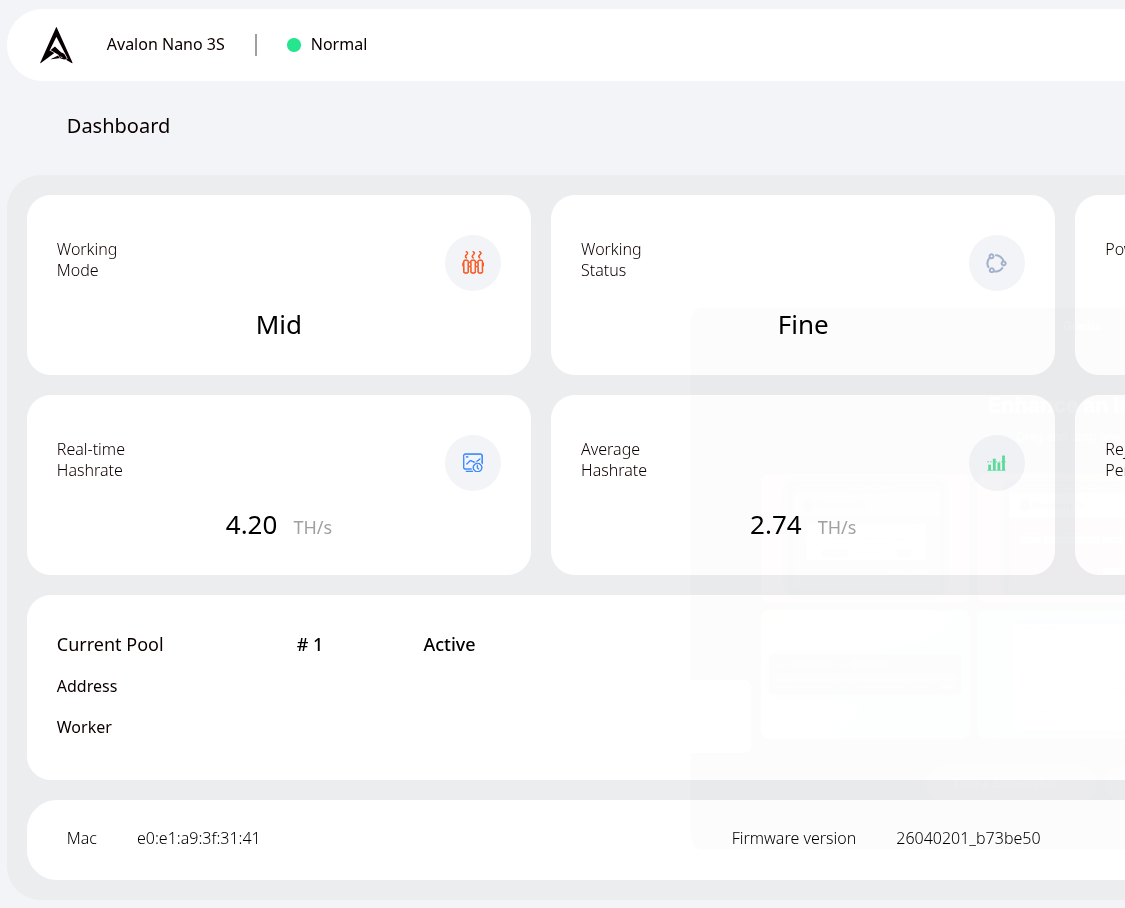
You will now be running the latest firmware which is at the time of writing is "26040201_b73be50".

About the author
Shaun is a Penetration Tester and Bitcoiner, with over a decade in the Security Industry, specialising in Cloud and Infrastructure Security and regularly completing assessments for all manner of companies from global corporations to small charities and non profits.